My second Brain
Md. Aminul Islam•
Post Date:11 Dec 2025 - 08:50 AM
Notion is My Second Brain: How I Use Notion to Learn and Grow
In my journey as a developer, learning never stops. Every day I learn new technologies, concepts, and problem-solving techniques. But learning alone is not enough — remembering and organizing what I learn is equally important. That’s why Notion has become my second brain. Notion helps me capture ideas, store knowledge, and build a personal knowledge system that I can rely on anytime.
📌 Why I Call Notion My Second Brain
The human brain is great at thinking, but not perfect at storing every detail. When I learn something new, it’s easy to forget parts of it after a few days.
Notion solves this problem by acting as an external brain where I store everything I learn.
With Notion, I can:
- Save important concepts
- Write explanations in my own words
- Store code examples
- Organize knowledge by topic
- Review anytime in the future
Instead of forgetting, I build permanent knowledge.
✍️ My Learning Workflow Using Notion
Whenever I learn something new, I follow a simple process.
Step 1: Learn
I learn from different sources such as:
- Documentation
- YouTube tutorials
- Blogs and articles
- Real project experience
Step 2: Write in Notion
After learning, I immediately open Notion and write notes.
I don’t just copy — I explain things in my own words, which helps me understand deeply.
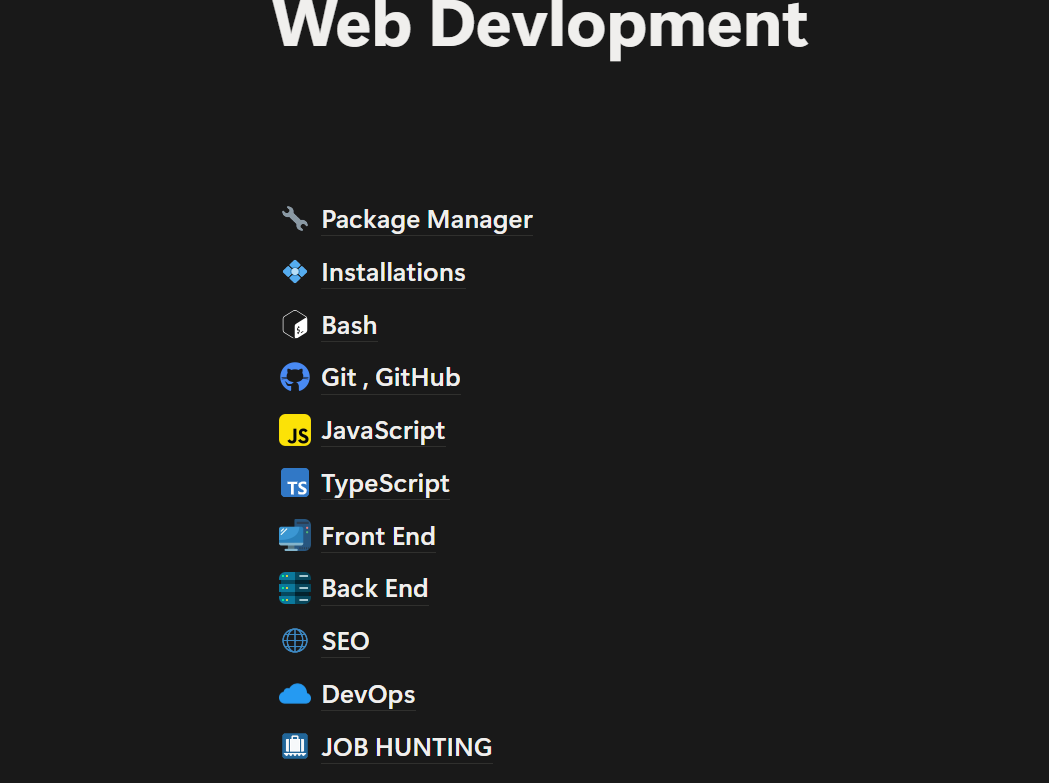
Example structure:
Writing helps me convert short-term knowledge into long-term knowledge.
Step 3: Organize Everything
I organize my notes into categories such as:
- Frontend Development
- Backend Development
- TypeScript
- Next.js
- Database
- DevOps
- Career Notes
This makes it easy to find anything later.
Step 4: Review and Improve
Sometimes when I learn more, I go back and update old notes.
This keeps my knowledge always fresh and growing.